Music Graph Project: User Authentication and Authorization
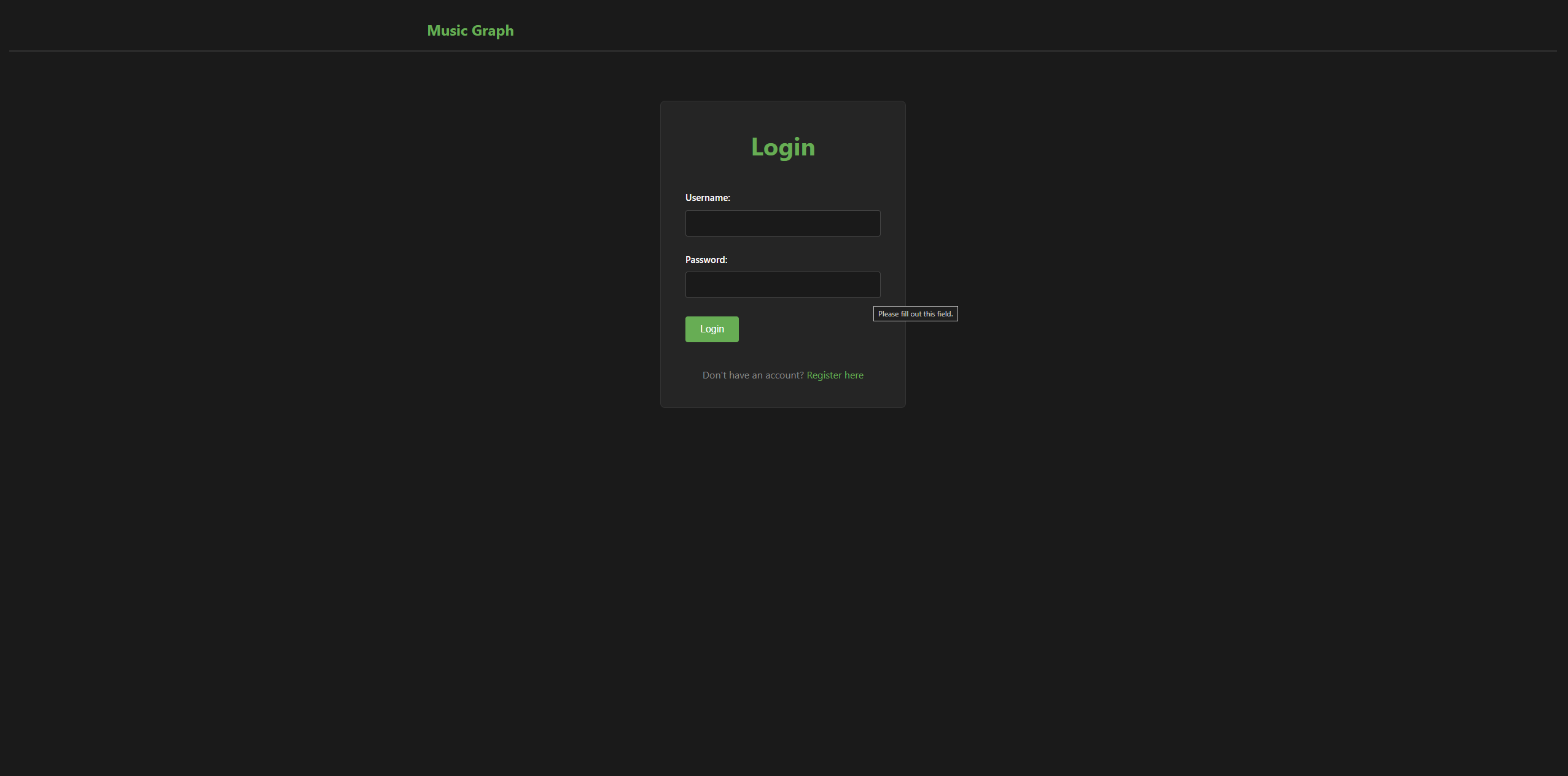
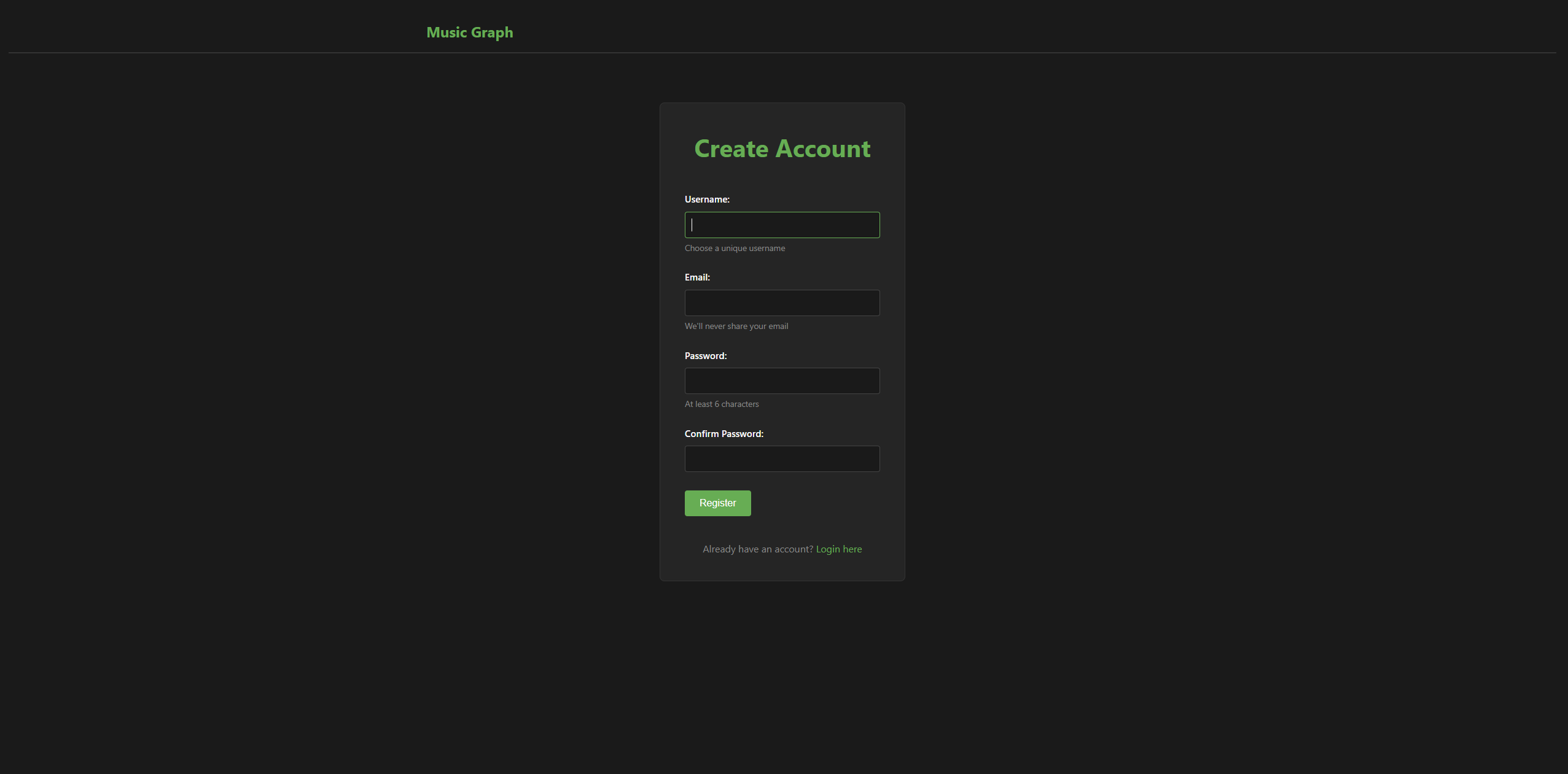
Claude and I implimented User AuthN and AuthZ. It is pretty basic at this time, but it works. Claude had me impliment the login page before the registration was built. flask-login was not very happy about that. I created a workaround by building a dummy route for /register. I told Claude about and instead of the normal response of something like “Oh yeah that worked because” it just took it at face value. Just something I noticed that was different behavior. Below the post written by Claude with Screenshots from me.
Phase 4 is complete - the application now has user accounts, login/logout, and role-based access control. CRUD operations are protected and only admins can modify data.
Why Authentication Matters
Phase 3 gave us CRUD operations, but anyone with the URL could add, edit, or delete data. Before deploying to a server where Aidan (and potentially others) can access it, we needed:
- User accounts to track who’s who
- Login system to verify identity
- Authorization to control who can do what
- Protection against unauthorized changes
Now the application is secure enough for multi-user access.
The Authentication Stack
Flask-Login handles session management and provides:
current_userobject (available in routes and templates)@login_requireddecorator for protected routes- Session cookies (encrypted, secure)
- User loader callback system
Werkzeug Security handles password hashing:
- Passwords never stored in plain text
- Uses industry-standard hashing (bcrypt-based)
- Each password gets a unique salt
User Model stores account data:
class User(UserMixin, db.Model):
    id = db.Column(db.Integer, primary_key=True)
    username = db.Column(db.String(80), unique=True)
    email = db.Column(db.String(120), unique=True)
    password_hash = db.Column(db.String(255))
    is_admin = db.Column(db.Boolean, default=False)
    created_at = db.Column(db.DateTime, default=db.func.now())
UserMixin provides Flask-Login integration methods (is_authenticated, is_active, etc.)
Registration and Login
Registration flow:
- User fills out form (username, email, password)
- Validation checks (unique username/email, password length, etc.)
- Password is hashed (never stored as plain text)
- User created in database
- Automatically logged in and redirected to home
Validation includes:
# Check password match
if password != password_confirm:
    errors.append("Passwords do not match")

# Minimum length
if len(password) < 6:
    errors.append("Password must be at least 6 characters")

# Unique username
if User.query.filter_by(username=username).first():
    errors.append(f"Username '{username}' is already taken")
Login flow:
- User enters username and password
- Look up user in database
- Verify password against stored hash
- If valid, create session
- Redirect to home (or page they were trying to access)
user = User.query.filter_by(username=username).first()
if user and user.check_password(password):
    login_user(user)
How Flask-Login Works
The session flow:
- User logs in →
login_user(user)stores user ID in encrypted session cookie - On every request → Flask-Login reads the cookie and calls your user loader:
@login_manager.user_loader def load_user(user_id): return User.query.get(int(user_id)) - Throughout your app →
current_userobject is available everywhere
In routes:
if current_user.is_authenticated:
    # User is logged in
In templates:
Authorization: Admin vs Regular Users
Not all users should have the same permissions. We implemented role-based access control:
Two roles:
- Admin - Can add/edit/delete genres and bands
- Regular User - Can view the graph only
Implementation:
def admin_required(f):
    @wraps(f)
    def decorated_function(*args, **kwargs):
        if not current_user.is_authenticated:
            return redirect(url_for('login'))
        if not current_user.is_admin:
            flash('Admin access required.', 'error')
            return redirect(url_for('index'))
        return f(*args, **kwargs)
    return decorated_function
Applied to CRUD routes:
@app.route('/add-genre', methods=['GET', 'POST'])
@admin_required
def add_genre():
    # Only admins can access this
Navbar adapts to role:
Regular users see a clean navbar without CRUD options. Admins see full access.
Managing Admin Users
Created two ways to grant admin rights:
1. CLI Script (make_admin.py):
# Promote user to admin
python make_admin.py someuser

# Remove admin rights
python make_admin.py --remove someuser
Good for initial setup or server-side administration.
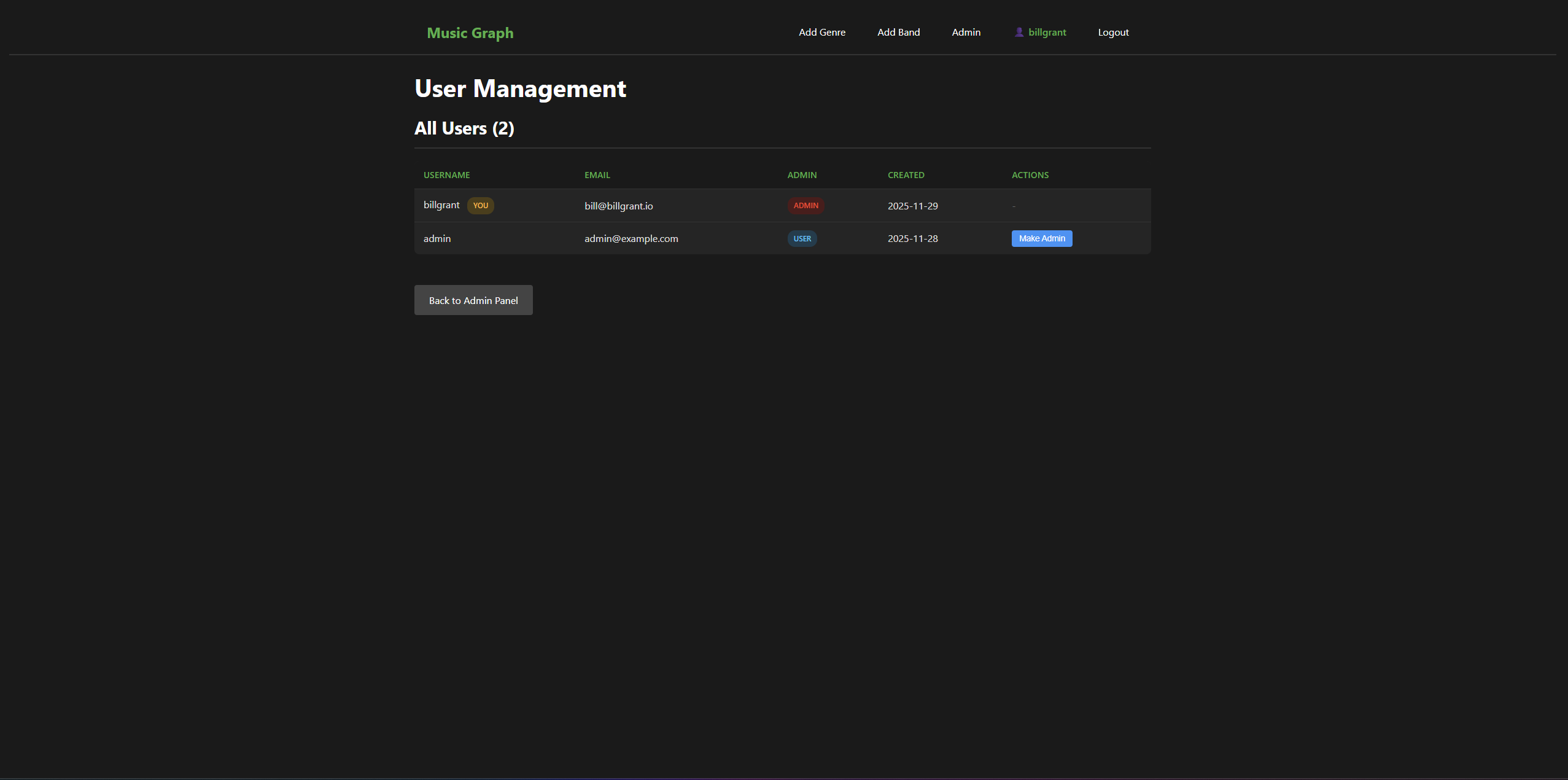
2. User Management Page:
- Admin panel → Manage Users
- See all registered users
- Toggle admin status with one click
- Protection: Can’t change your own admin status
This makes it easy to promote Aidan (or anyone else) to admin without touching the database or command line.
Security Considerations
What we did right:
- Passwords hashed with werkzeug (industry standard)
- Session cookies encrypted
- CSRF protection (Flask provides this by default)
- Admin-only routes actually check permissions (backend validation)
- Can’t promote yourself (prevents accidents)
What’s still needed (future phases):
- HTTPS in production (Phase 5 deployment)
- Rate limiting on login attempts
- Email verification
- Password reset functionality
- Stronger password requirements (optional)
- Two-factor authentication (optional, probably overkill)
For now, this is secure enough for a personal project with trusted users.
Password Hashing Deep Dive
Understanding how passwords are stored:
Plain text (NEVER DO THIS):
Database: username='admin', password='admin123'
Problem: Anyone with database access sees all passwords
Hashed (what we do):
user.set_password('admin123')
# Stores: 'pbkdf2:sha256:260000$...$...'
What happens:
- Generate random salt
- Combine password + salt
- Hash repeatedly (260,000 iterations)
- Store the result
Why this is secure:
- Hash can’t be reversed to get original password
- Each password has unique salt (prevents rainbow table attacks)
- Computationally expensive (slows down brute force)
Verification:
user.check_password('admin123') # Hashes input and compares
Current State
The application now has:
- User registration and login
- Secure password storage
- Session management
- Role-based access control
- Admin user management
- Protected CRUD operations
Everything needed for multi-user deployment.
What’s Next: Phase 5
Deployment to homelab - make the application accessible beyond localhost so Aidan can actually use it remotely.
This involves:
- Deploying to a server
- Setting up reverse proxy (Nginx)
- Configuring SSL certificates (HTTPS)
- Production configuration (environment variables, secrets)
Once deployed, the application becomes a real tool instead of a localhost prototype.
Code
This release is tagged as v0.3.0-alpha.
This is part of the Music Genre Graph project series. See the project introduction for the full roadmap.